1. Requirements
- Secure Boot: OFF.
- CPU Virtualization: ON.
- Hyper-V: ON.
- TPM: ON.
Warning
These steps turn off Windows protections. Keep track of the settings you change.
2. Prepare Windows
Disable Windows Defender
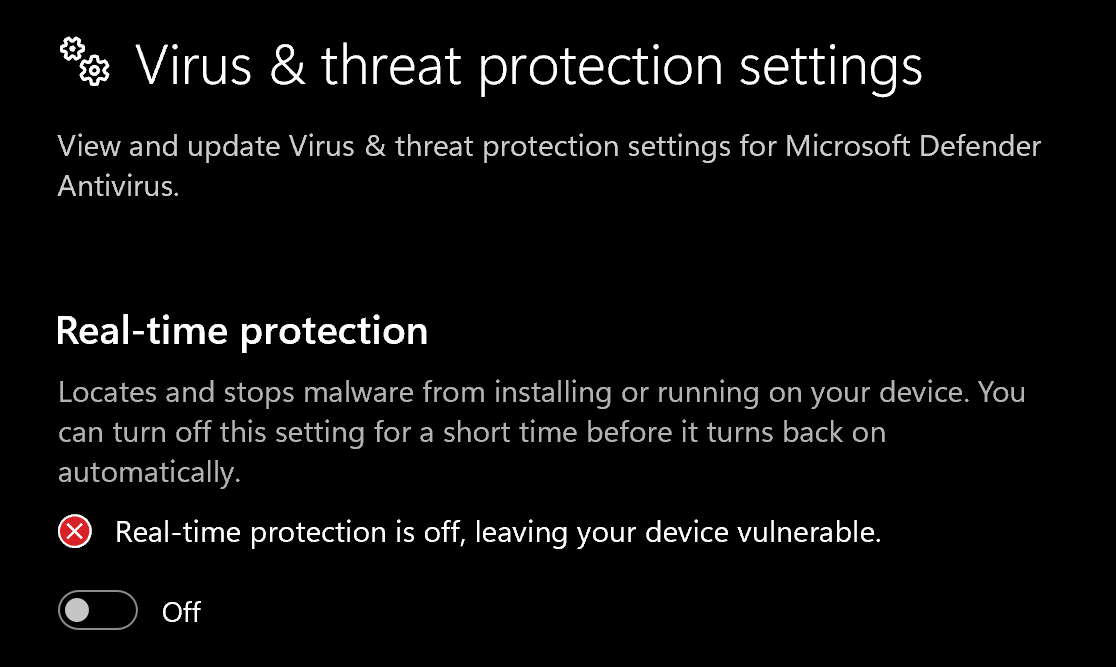
Turn off real-time protection first
Open Windows Security → Virus & threat protection → Manage settings and turn off Real-time protection and the other toggles shown below before downloading DControl.
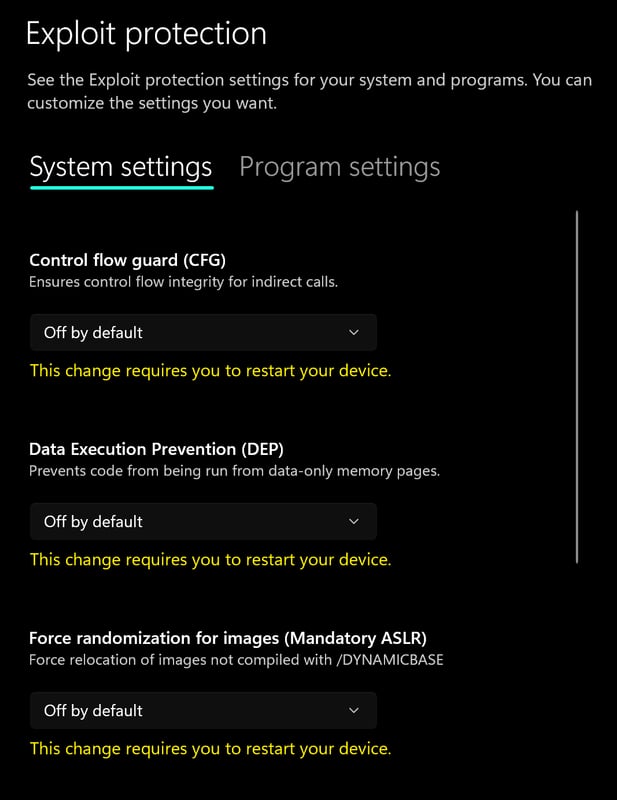
Turn off Exploit protection
Open Windows Security → App & browser control → Exploit protection settings and set every option to Off by default.
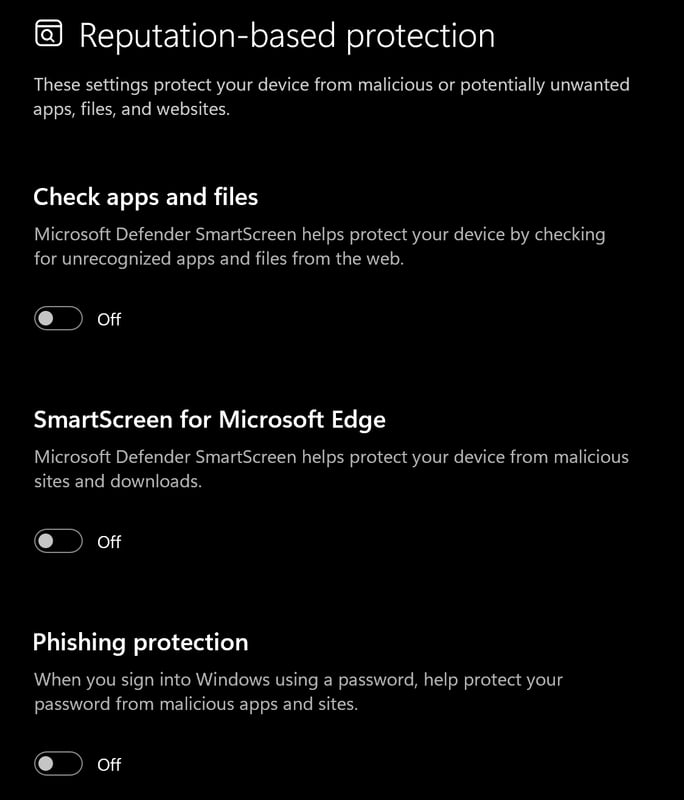
Turn off Reputation-based protection
Go to App & browser control → Reputation-based protection settings and turn off all options.
Install WinRAR
Download and install WinRAR. You need it to extract the DControl archive.
Download DControl
Download DControl (Defender Control).
Extract the archive
Right-click the downloaded
.rarand extract it. When asked for a password, entersordum.Disable Windows Defender
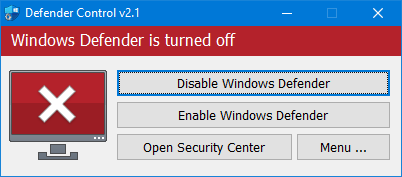
Open dControl.exe and click Disable Windows Defender. The window turns red when Defender is off.
Required files
- Install DirectX Runtimes.
- Install Visual C++ Redistributable (x64).
3. Storm files
4. Run the setup file
Run hyper-v.bat as administrator before you launch the Storm loader.
5. Install Storm
Note
Find your license key in your order email or My Keys. Keep it private.
Run the loader as administrator
Right-click the Storm loader and select Run as administrator.
Log in or create an account
Log in to the loader, or create an account if you do not have one.
Inject
Click Inject. The loader will ask you to restart your PC.
Restart your PC
Restart your PC when prompted. The bypass is loaded after the restart.
Run the loader as administrator again
After the restart, launch the Storm loader as administrator again.
Log in again
Log in to your loader account again.
Inject once more
Click Inject a second time.
Need help?
Open a ticket in our Discord with:
- Your product: Storm Arc Raiders.
- Your Windows version and the step where you stopped.
- The complete error message or a screenshot with your license key hidden.